


PORTRAIT & STORY
A moment, made cinematic.
A slow camera move closes in on a portrait lit by warm sunlight.
YOUR AI CREATIVE STUDIO
From the first idea to your next image, video or voiceover. Make room for what you imagine.
Start with an idea. Review the details before you generate.
Explore free. A free account includes five FLUX Schnell images. For more, try a 7-day trial: 100 credits, card required. $0 today, then from $14.99/month unless canceled.
A LITTLE INSPIRATION. ENDLESS DIRECTIONS.



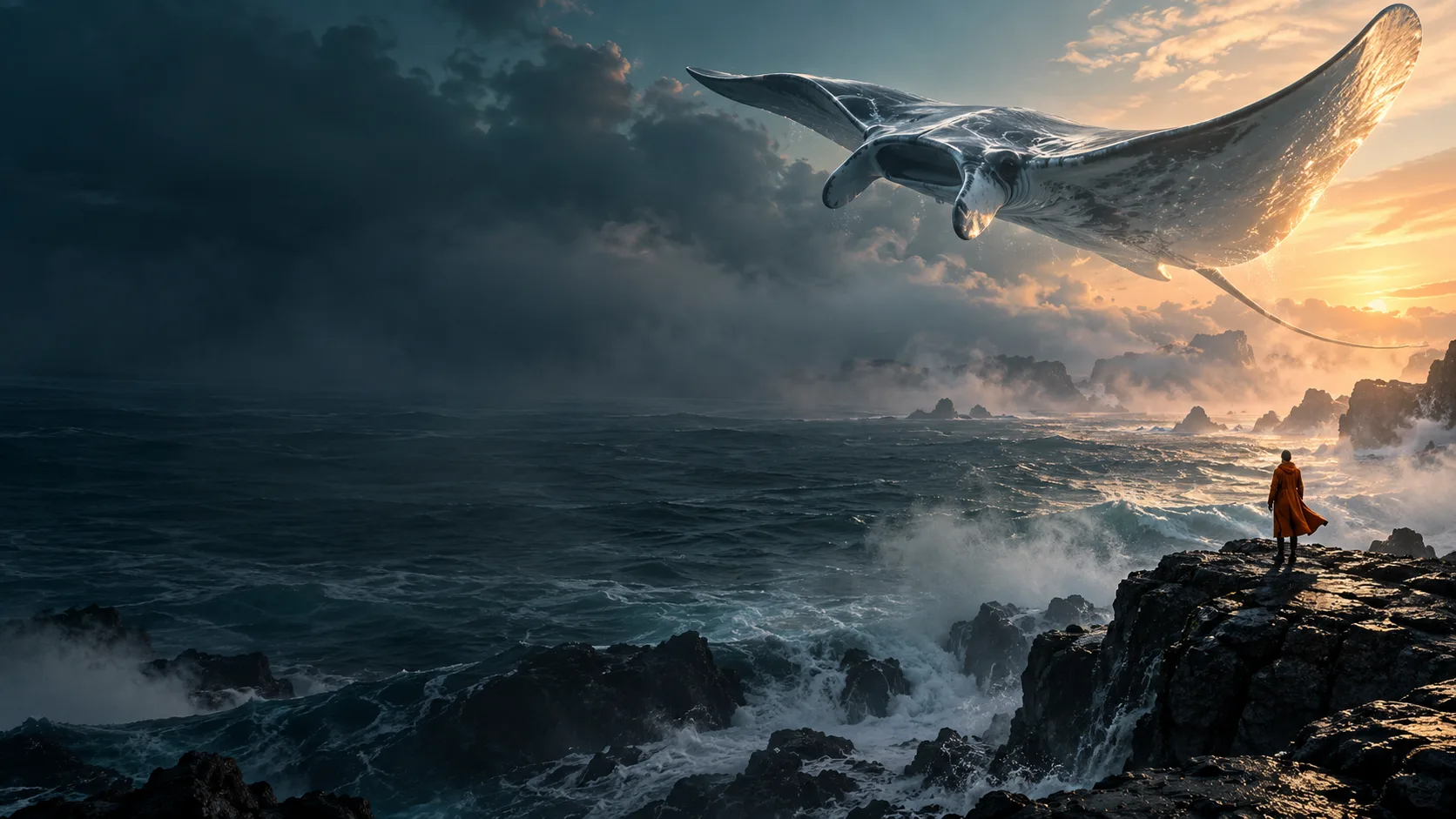
AI-generated concept artwork · Visual inspiration, not verified QuestStudio outputs.
YOUR CREATIVE TOOLKIT
Explore image, video, voice and music models in one studio. Start with the look or sound you want, then choose the model that fits.
A selection from the Labs. Availability and credit costs vary by model and settings.
BEYOND THE STILL
A cinematic close-up. A product reveal. An opening that makes someone stop scrolling.
Start a video Two video samples · 8 seconds eachA slow camera move closes in on a portrait lit by warm sunlight.
A dark phone turns on a reflective pedestal beneath a sculpted black backdrop.
THE REST OF YOUR CREATIVE TOOLKIT
Give your story a voice, find its rhythm, and bring the details together.
FROM IDEA TO FIRST PROJECT
Bring your own idea, or explore a ready-to-edit sample. A clear next step at every stage.
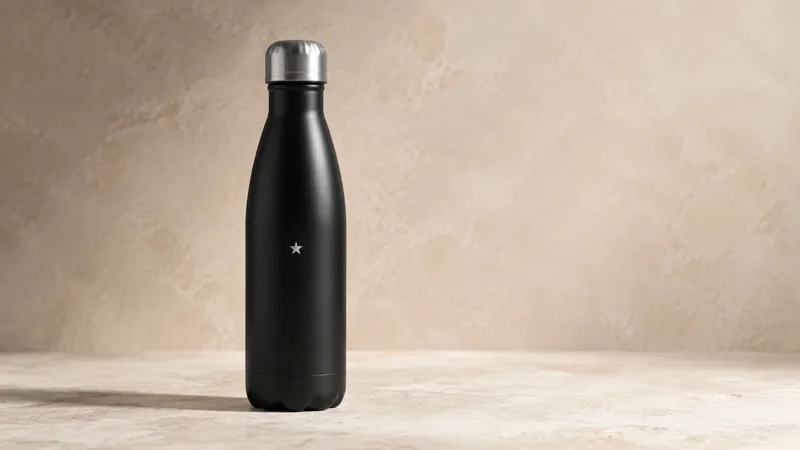
“Soft morning light. A green garden. The same unmistakable bottle.”
Prepare the Aster sample projectDescribe the result you want. Bring a reference, or make the sample your own.
Review the model, format and credit estimate in the Lab. Generate when you’re ready.
Refine the details, save a result and download your favorite. Your next variation starts from there.
Creating for a brand? Keep briefs, brand kits and campaigns together.
Explore Ad StudioFROM THE COMMUNITY
Images, stories and sounds shared by people creating in QuestStudio.
Explore the communityLoading community creations…
SPACE TO START. ROOM TO GROW.
Credits are your creation budget. Each generation uses some of that budget, depending on the model, quality and length. Images, video and audio all draw from the same balance. Review the credit cost in the Lab before generating.
A place for your first ideas.
$14.99/month
1,000 credits each paid month
Images, video, voice & more
Start Starter trialSpace for a regular creative practice.
$34.99/month
2,500 credits each paid month
Images, video, voice & more
Start Pro trialMore room for a growing workload.
$79.99/month
5,500 credits each paid month
Images, video, voice & more
Start Studio trialEach trial: 7 days, 100 credits total, card required. $0 today. The selected monthly price starts afterward unless you cancel before the trial ends.
Just exploring? Create a free account for five FLUX Schnell images total, shared in the community. No card required.
Yes. Explore every Lab without signing up. A free account includes five FLUX Schnell images total, with no card required. Other models and tools require an eligible trial or paid allowance. Opening a project never starts a generation.
Start a 7-day trial with 100 credits after adding a card. $0 today. Cancel anytime before your 7-day trial ends and you won't be charged. Your selected monthly plan starts after the trial unless canceled.
Yes. Guided workflows prepare a starting point. Full model selection and advanced controls remain available in the Labs.
Yes. Use your own reference images and save a brand kit in Ad Studio. Review generated details, packaging and text before using an asset in a campaign.
Review terms of use and privacy information before uploading or publishing.
